
Know which video drove that click.
ClickFrame tells you exactly which video sent a viewer to your link. Add a ClickFrame link to any of your videos. Watch the clicks roll in by video, device, country, and time.
Built for creators
See which video drives every click
ClickFrame ties every click back to the video that sent it. No more guessing which post, short, or long-form actually moved your audience.
Your links always work
Every ClickFrame link sends viewers exactly where you set it. Change a destination once in your dashboard and every link pointing to it updates instantly. Viewers never hit a dead end.
Blazing fast redirects
Your viewers click and go. ClickFrame links open just as fast as a regular URL, no matter where in the world they are. There's no friction between your video and your destination.
Privacy your audience can trust
We do not collect IP addresses, browser fingerprints, or personal data about your viewers. Just the device type and rough location. That is all you need to understand your audience.
How it works
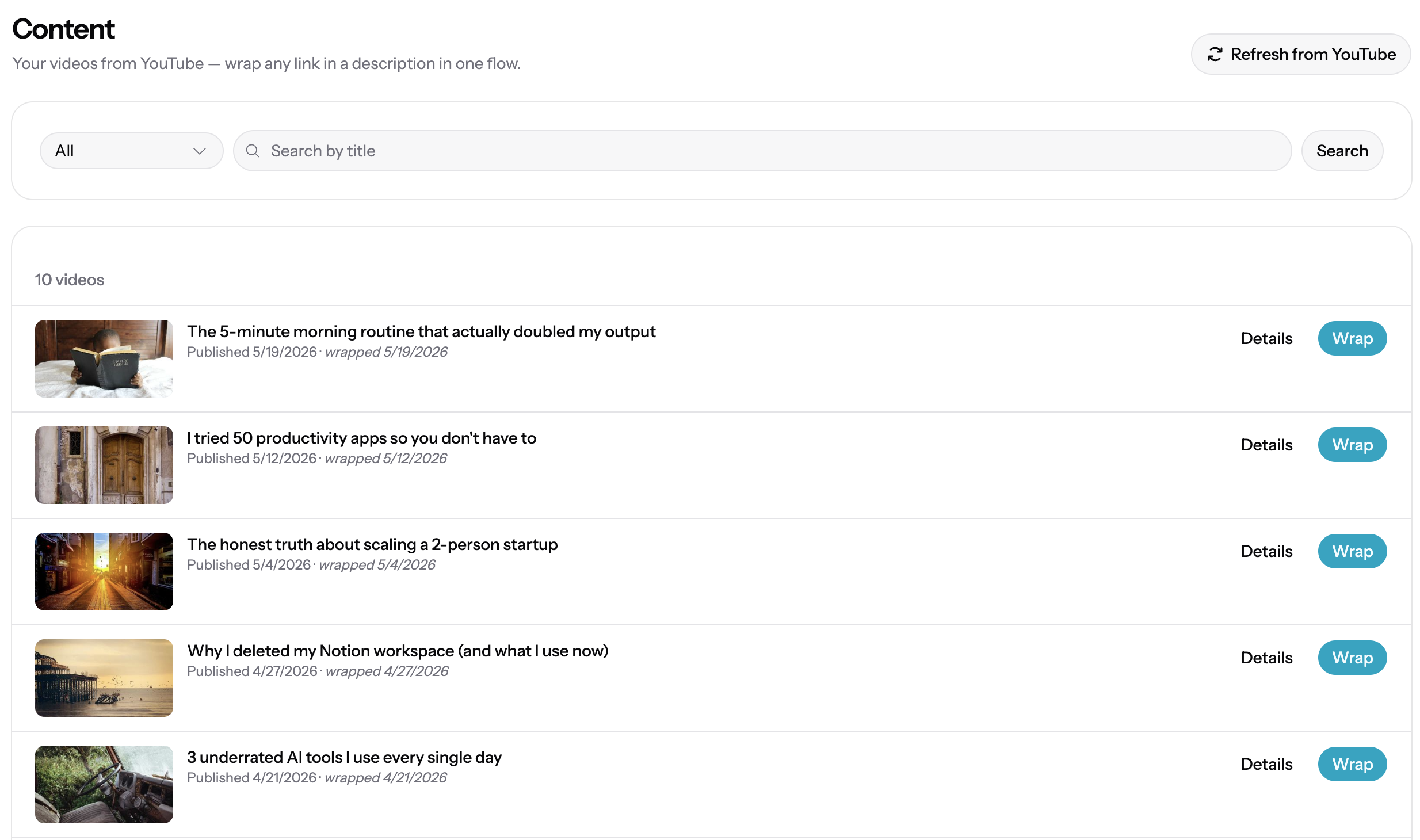
Connect your channel
Sign in with the Google account on your YouTube channel. ClickFrame reads your video list and channel info. Nothing else.
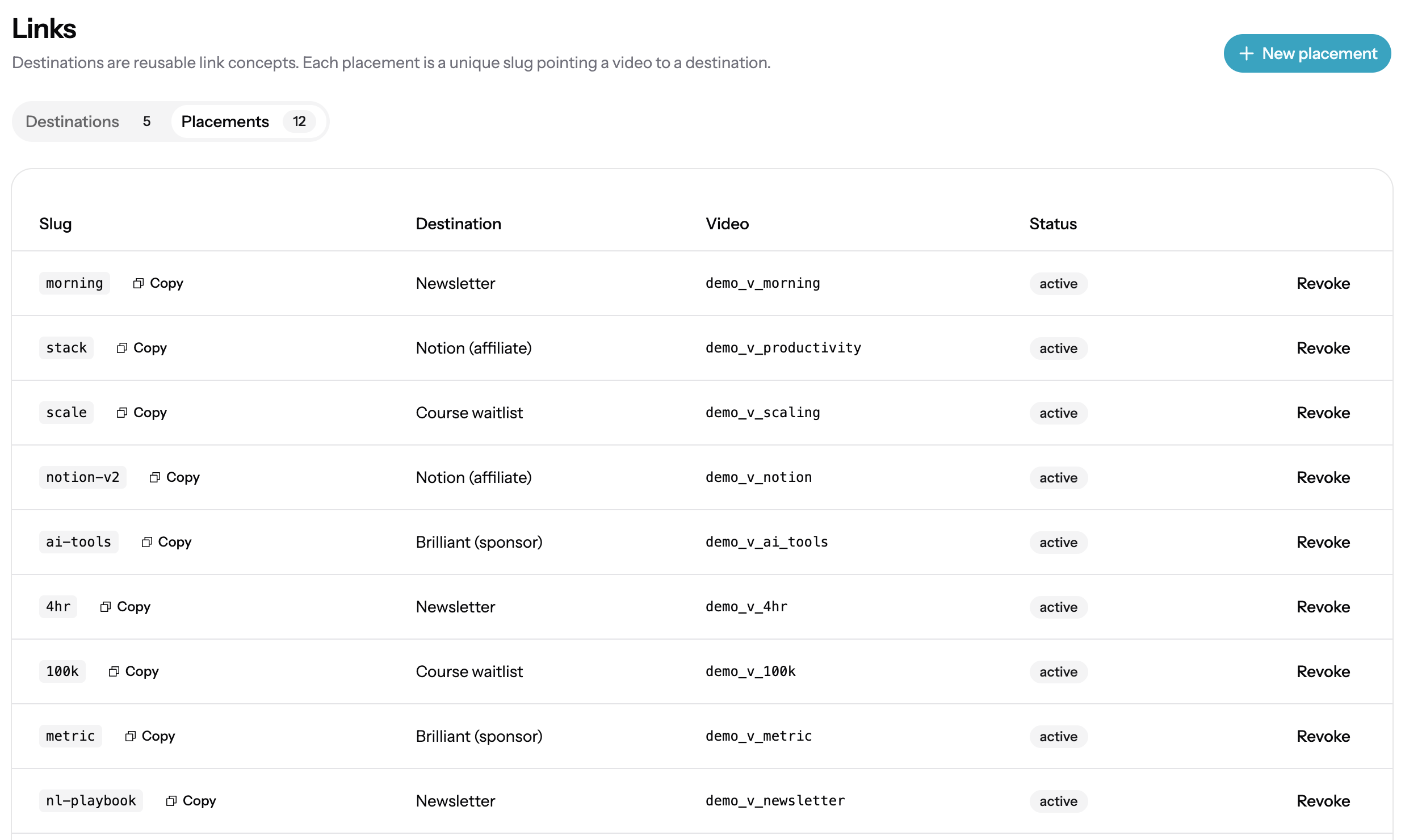
Update your description in one click
Pick a video and add a destination. ClickFrame creates the short link and updates your YouTube description for you. One click, done.
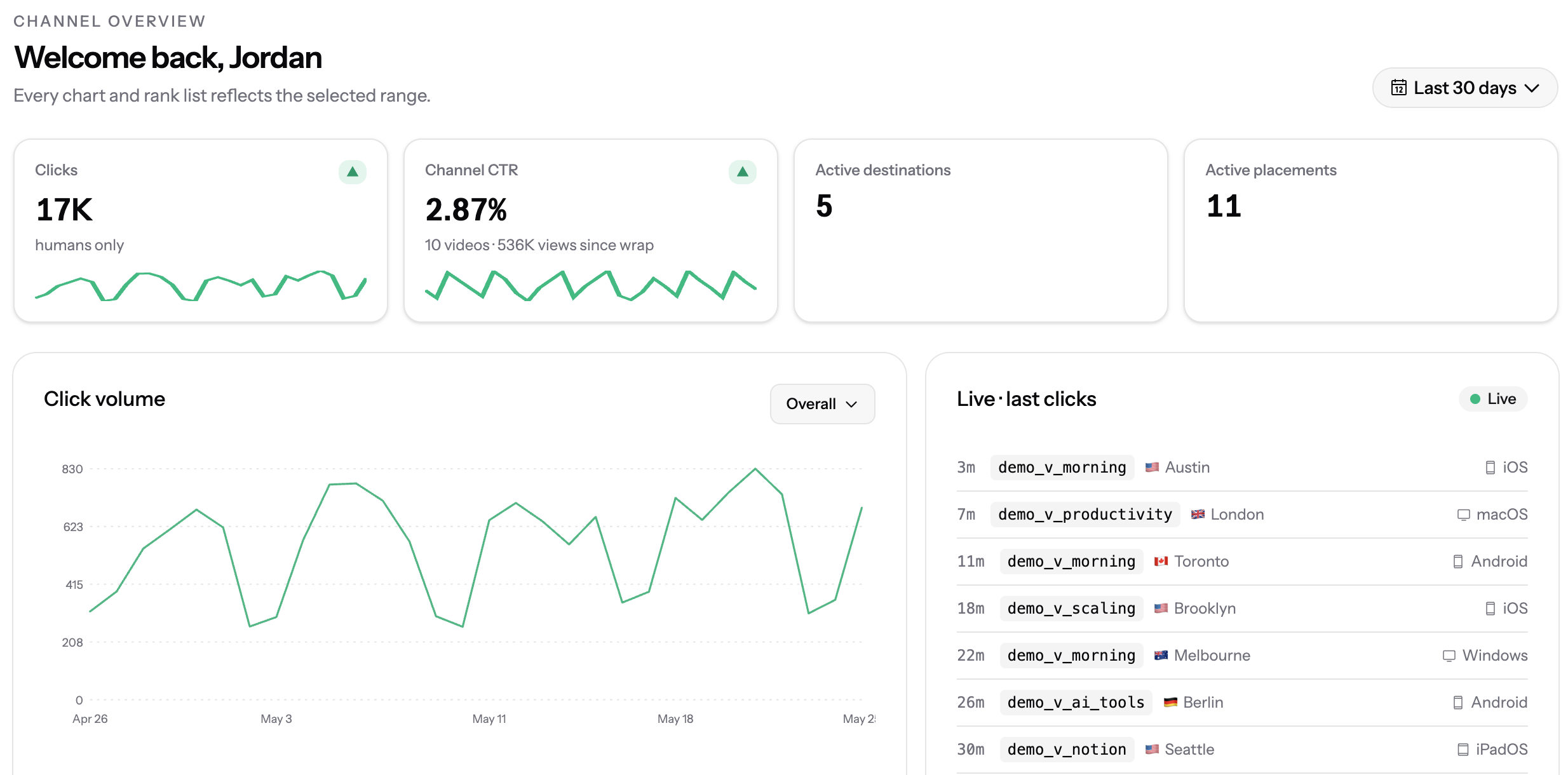
See where every click came from
Every click flows into your dashboard. See your traffic broken down by video, device, country, and time.
See which video drives every click.
Connect your YouTube channel and add your first ClickFrame link in minutes. No credit card required.